 DeepDriveCleaner
A DISK UTILITY FOR DEVELOPMENT FILES
See what takes space. Choose what goes.
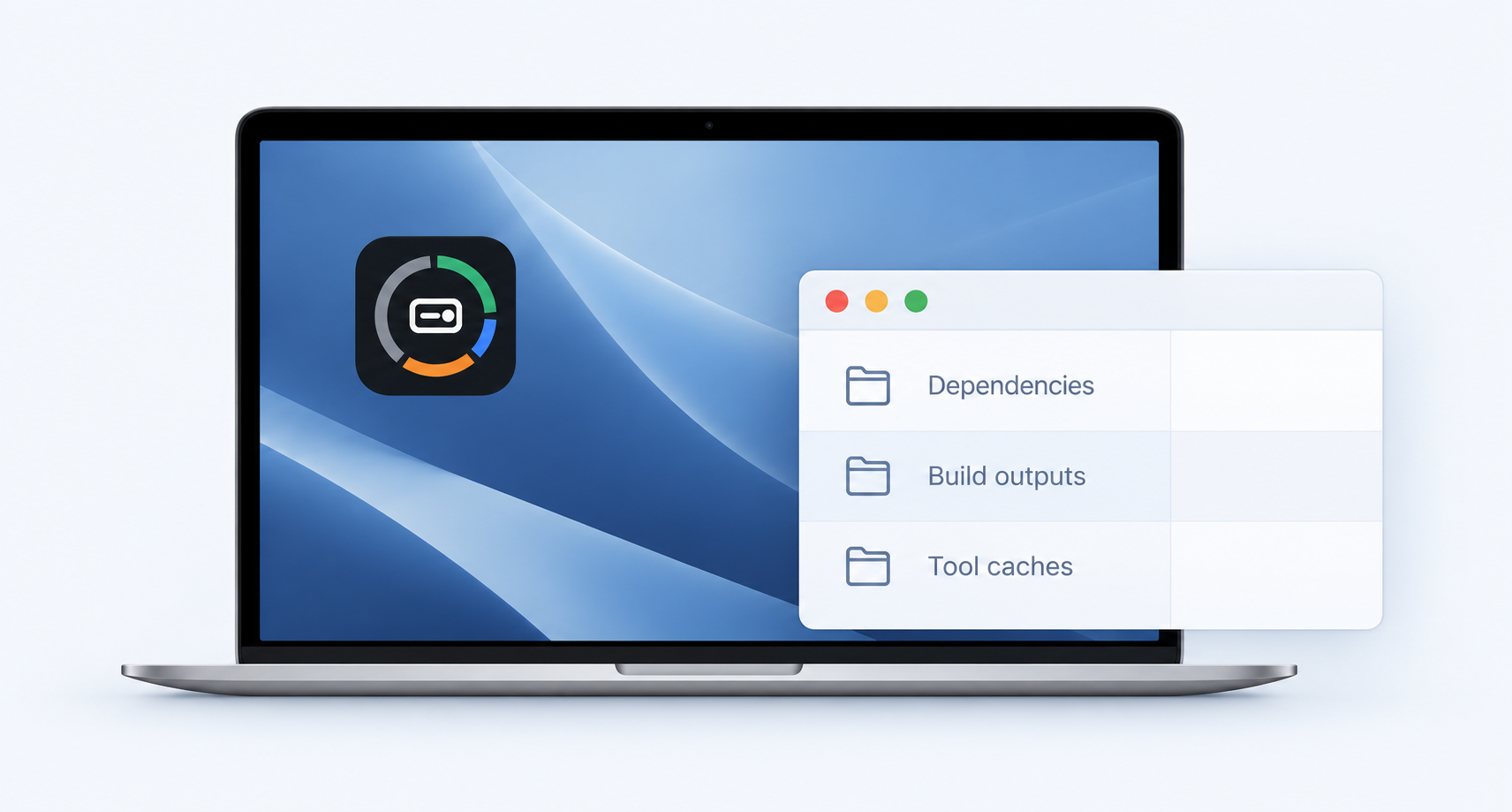
Find caches, dependencies and build outputs. Review what to clean in a native Mac app—with the ddc command included.

Install DeepDriveCleaner
v0.3.0macOS 26 · Apple Silicon · App + CLI
brew install --cask smartandpoint/tap/deepdrivecleaner
Open the app from Applications and grant Full Disk Access when prompted.
Use the app
- 01Scan your development files
Scan from the menu bar, or schedule scans in Settings. Scans are read-only.
- 02Review your selection
See the largest findings, inspect the plan, and choose what stays.
- 03Confirm cleanup
The shared engine checks selected items again before acting.
Cleaning deletes files. Review the plan and confirm your selection. Disclaimer ↗
Prefer the terminal or an agent? The CLI guide is at ddc.sh.
Example findings
Illustrative data · not a scan of your device
| Finding | Risk class | Size |
|---|---|---|
Package download cache ~/.npm/_cacache | 18.4 GiB | |
Project dependencies node_modules/ | 46.2 GiB | |
Models & VM images Models / VM images | 31.8 GiB | |
Personal files ~/Downloads/ | 32.0 GiB |


Sample sizes, not promised savings. Classification depends on the rule and context.
Download caches
Package download caches refill when you need them. These start selected; where supported, cleanup uses the tool's own command.
~/.npm/_cacache
~/.cache/uv
Homebrew downloads
Selected by default. Review the plan before cleaning.

One product. App and CLI. The same engine.
DeepDriveCleaner is the app. ddc is its command. Use a window, a terminal, or your coding agent—both interfaces use the same cleanup checks.
A little context before you clean
Are DeepDriveCleaner and ddc different tools?
They are two interfaces to the same product. The native app runs the same CLI engine; ddc is the short command name.
Can I use it through my agent?
Yes, through the installed CLI. Ask for inspection and a preview first. Read the shared CLI guide for terminal requirements and non-interactive behavior.
Will this remove everything in System Data?
No. System Data is a broad macOS category. DeepDriveCleaner identifies supported findings and reports access limits; sample sizes are not a promise of recoverable space.
What about Windows and Linux?
The native app requires macOS 26 on Apple Silicon. Windows and Linux CLI builds are planned; check ddc.sh for the actual published artifacts.
FOR DEVELOPERS + AGENTS
Built agent-first. Open to your contribution.
People and agents develop DeepDriveCleaner with ProjectStore. Read the shared decisions, follow the runbook, and bring a scoped improvement.

Contribution terms ↗ · Source-available · PolyForm Noncommercial